Breaking Down the Walls: Apple's New Cross-Platform Moves
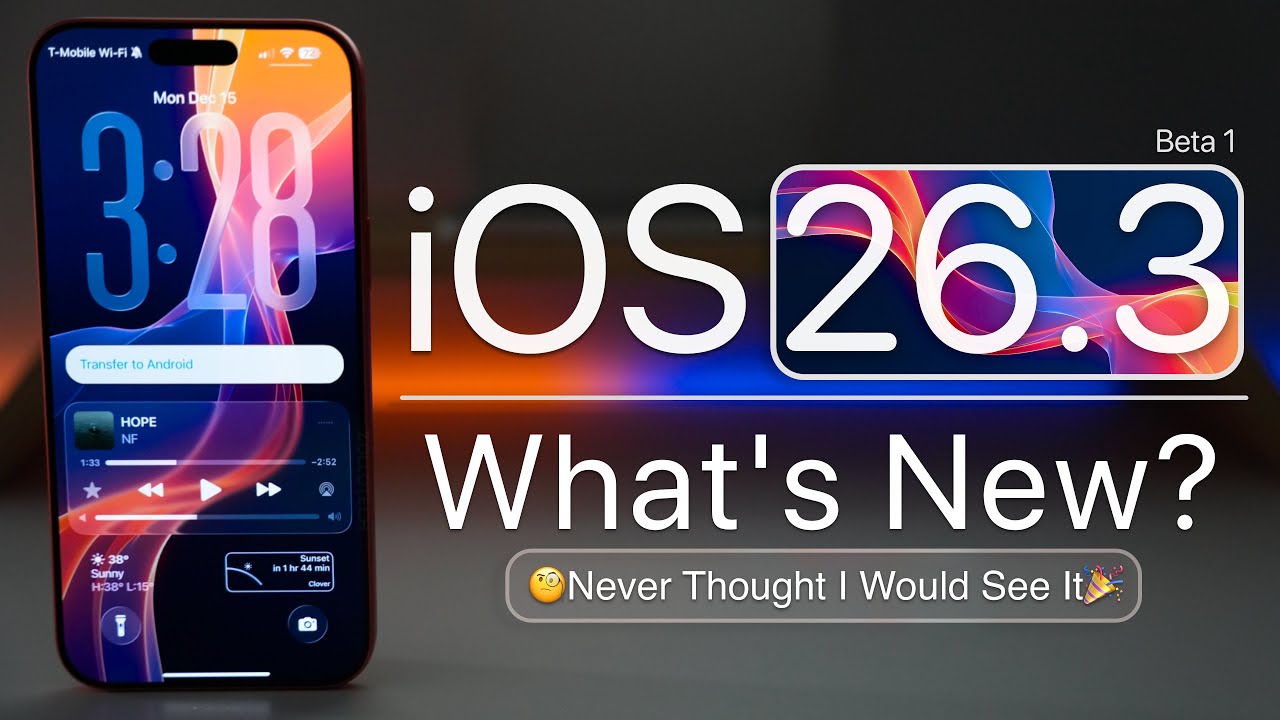
Just days after the public release of iOS 26.2, Apple has seeded the first developer beta of iOS 26.3 to testers. This incremental update, arriving during the holiday season, is surprisingly light on flashy new features but introduces two significant changes that represent a major shift in Apple's traditionally walled-garden approach.
The headline additions are a new, built-in tool to simplify switching from an iPhone to an Android device, and a "Notification Forwarding" feature that allows iPhones to work seamlessly with non-Apple smartwatches. Both features are the result of collaborative efforts between Apple and Google and are partly driven by regulatory requirements like the European Union's Digital Markets Act (DMA).
The Two Major New Features at a Glance
- Location: Settings > General > Transfer or Reset iPhone
- What Transfers: Photos, messages, notes, apps, passwords, and your phone number.
- Connection Method: Wireless via Wi-Fi & Bluetooth. Use a QR code or session ID.
- What Doesn't Transfer: Health data, Bluetooth pairings, locked notes.
- A global feature, part of a two-way collaboration with Google.
- Location: Settings > Notifications
- Function: Forwards iPhone notifications to a single third-party wearable.
- Key Limitation: Disables Apple Watch notifications if enabled.
- Regional Availability: Currently enabled only in the European Union (EU)EU Only.
- Likely implemented for DMA compliance regarding interoperability.
Deep Dive: The New "Transfer to Android" Experience
This new system marks a significant upgrade from previous, often cumbersome, third-party transfer methods. Found in Settings > General > Transfer or Reset iPhone, the "Transfer to Android" option initiates a direct, wireless connection between the two devices. Apple's description states: "Place your Android device next to this iPhone to get connected and begin the transfer process".
How the Transfer Process Works
Initiate & Connect
On your iPhone, navigate to Settings > General > Transfer or Reset iPhone > Transfer to Android. Ensure both phones have the latest software, are on Wi-Fi, and have Bluetooth on.
Pair the Devices
You can either scan a QR code displayed on the Android screen with your iPhone's camera, or manually enter a session ID and pairing code.
Select & Transfer Data
Choose the data you want to move: photos, messages, notes, apps, passwords, and your phone number (including eSIM setup, based on earlier leaks). The transfer happens wirelessly.
Important Notes: The feature is a two-way street. Google has already implemented a similar tool to move data from Android to iPhone, creating a standardized migration process. While the European Commission has taken credit for the feature due to the DMA, Apple has rolled it out globally, not just in the EU.
Deep Dive: Notification Forwarding for Third-Party Wearables
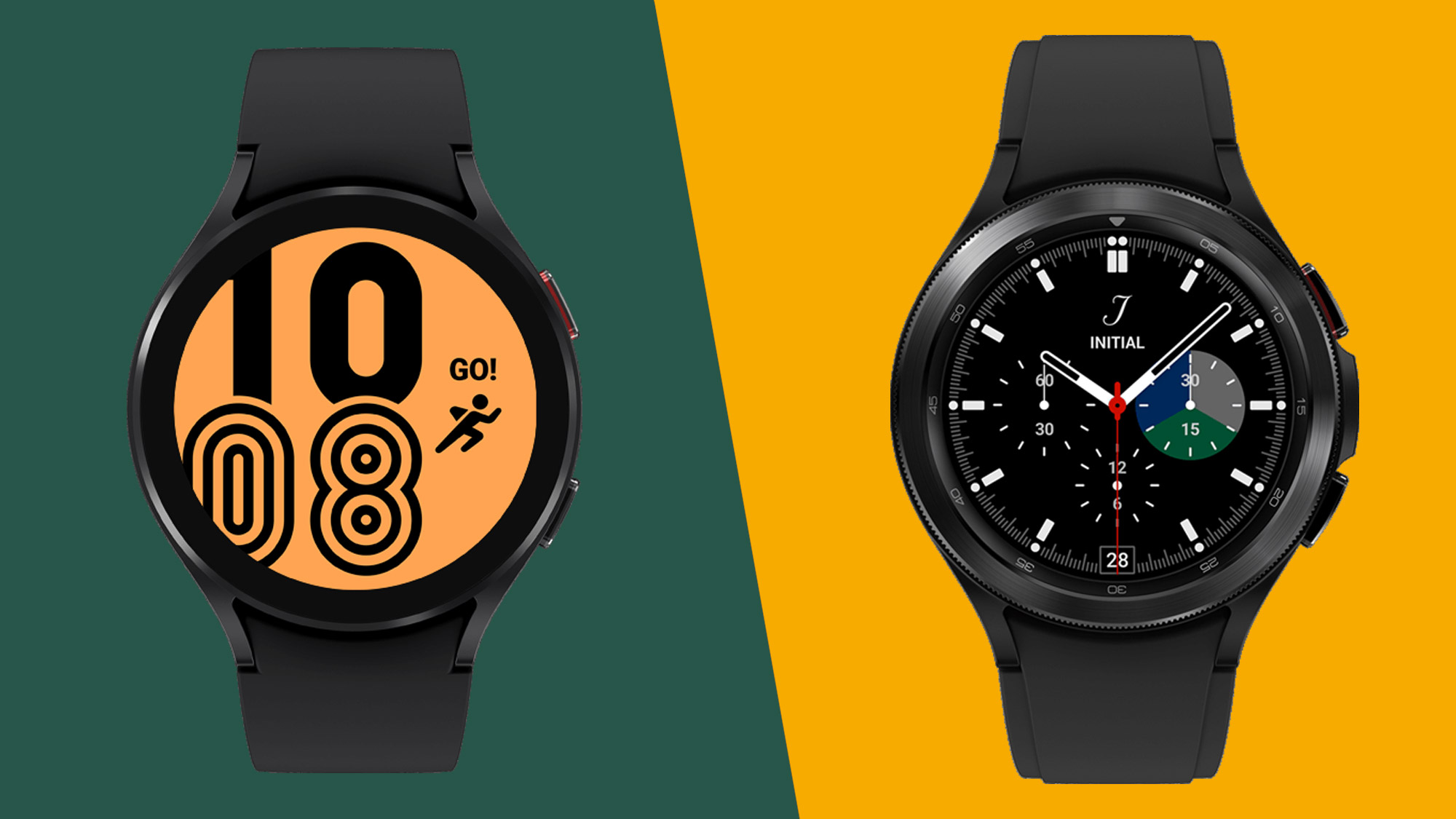
The second major addition, "Notification Forwarding," addresses a long-standing request from users of smartwatches from brands like Garmin, Samsung, or Fitbit. Previously, getting iPhone notifications on these devices was often unreliable or required workarounds.
This new setting, located in the Notifications menu, allows users to select a single non-Apple accessory to receive their iPhone's alerts. However, there's a major caveat: enabling this feature will disable notifications on your Apple Watch. This "one accessory at a time" rule was hinted at in earlier iOS 26.1 beta code and is now confirmed.
Unlike the Android transfer tool, Notification Forwarding appears to be geographically limited to the European Union at launch, a clear indication it's a direct response to the DMA's interoperability requirements. This follows a pattern where Apple has opened up features like NFC access for rival payment apps and third-party app marketplaces first in the EU.
Context, Timing, and What's Next
The release of iOS 26.3 Beta 1 follows Apple's annual pattern of a quieter, more stable update before the holiday break, with major bug fixes taking priority over new features. This beta carries the build number 23D5089e, up from 23C55 for the public iOS 26.2 release.
These features didn't appear out of nowhere. Code in an Android QPR1 Beta from May 2025 first hinted at the cross-platform transfer collaboration. Similarly, references to notification forwarding for "one accessory at a time" were found in iOS 26.1 beta code.
Looking Ahead: The public release of iOS 26.3 is expected in late January 2026. Apple is already looking further forward, with the subsequent iOS 26.4 update expected in the spring and rumored to include the previously delayed, more powerful "personal context" capabilities for Siri.